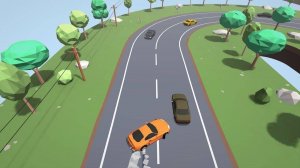
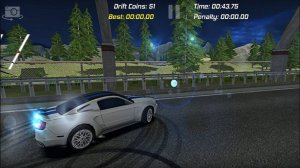
Dock Parking Precision Simulator places you in the driver's seat of a high-performance sports car. Your primary objective is to guide the vehicle through narrow dock environments and park it accurately within designated spaces without contacting barriers. The game offers a series of levels that become progressively more demanding, requiring greater attention to steering and spatial awareness. What sets this simulation apart is its focus on realistic driving physics that mimic actual vehicle behavior, providing an authentic parking experience. Players can also personalize their car with various modifications, allowing for a touch of individual style. This combination of careful maneuvering, increasing difficulty, and customization creates a satisfying challenge for anyone who enjoys driving games.
Players typically use keyboard controls, such as the WASD or arrow keys, to drive the car forward, backward, and steer left or right. The key to success is slow, deliberate movements, especially when approaching the parking spot. Many games of this type allow you to change the camera angle, often with a dedicated key, to get a better view of the car's position relative to obstacles. The goal is to stop the car completely within the marked parking area without any collisions. Completing a level unlocks the next one, which usually features sharper turns and more confined spaces.
Realistic parking physics that simulate real-world driving dynamics. A series of levels with gradually increasing difficulty to challenge your precision. Car customization options, which may include different colors and visual parts. Simple keyboard controls that are easy to learn but require practice to master. Multiple camera views to assist with parking in tight spots.
Take your time to learn how the car responds to steering inputs. Use the different camera angles to gain a better perspective on tight spaces. Plan your route before you start moving to minimize the need for sudden corrections. Patience and a focus on accuracy rather than speed will help you complete each level successfully.




Player Comments
Sign in to comment
You must be logged in before posting a review or rating.
No account? Create one
No comments yet. Be the first to comment!